Free ebook
101 Rules for Teaching Your AI
What I taught Claude in one year, and how you can use it with any AI. Each rule comes with the words I used at the time and a line you can give your own AI today.
Your copy is ready
Your download should start now. If it does not, use the button below. The link works for 7 days.
Each line is one rule. Point at a line to read it.Tap a line to read it.
Why I wrote it
Every time Claude got something wrong, I told it what was wrong and why. It saved each correction as a rule.
By my 24th birthday there were 98 of them. They cover how to brief it, how it should write, design, edit video, check its own work, build Agents and price a job.
This book is that list, cleaned up so anyone can use it. You do not need to be technical. You need to notice what is wrong, say it plainly, and ask your AI to remember.
- 2,919
- messages I sent Claude
- 98
- corrections it saved
- 8
- chapters
What is inside
Eight chapters. Open one to see its rules.
-
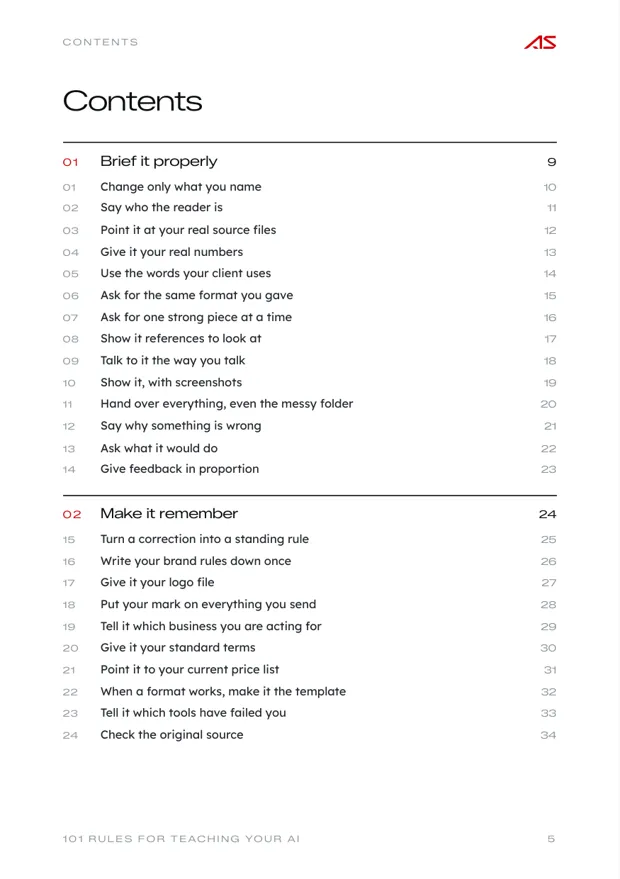
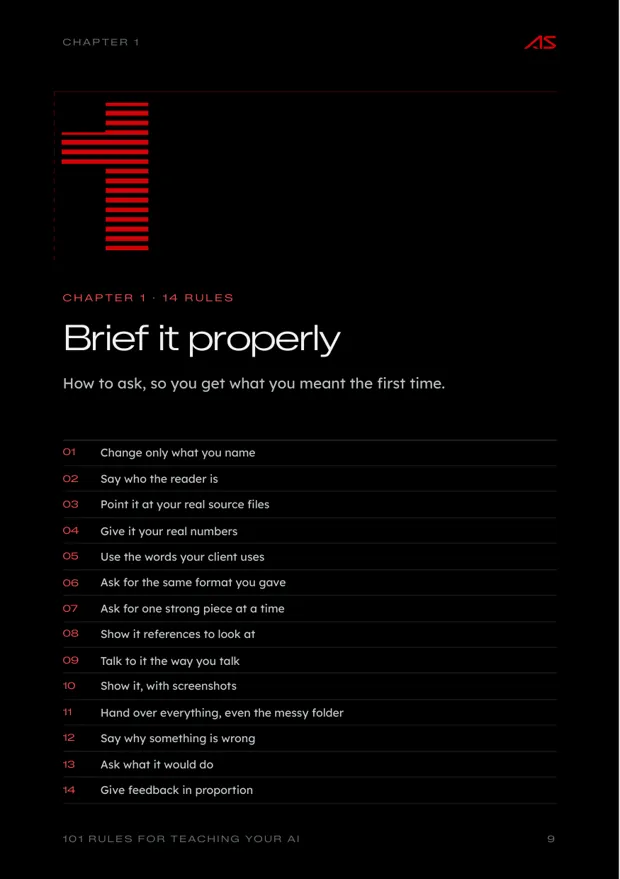
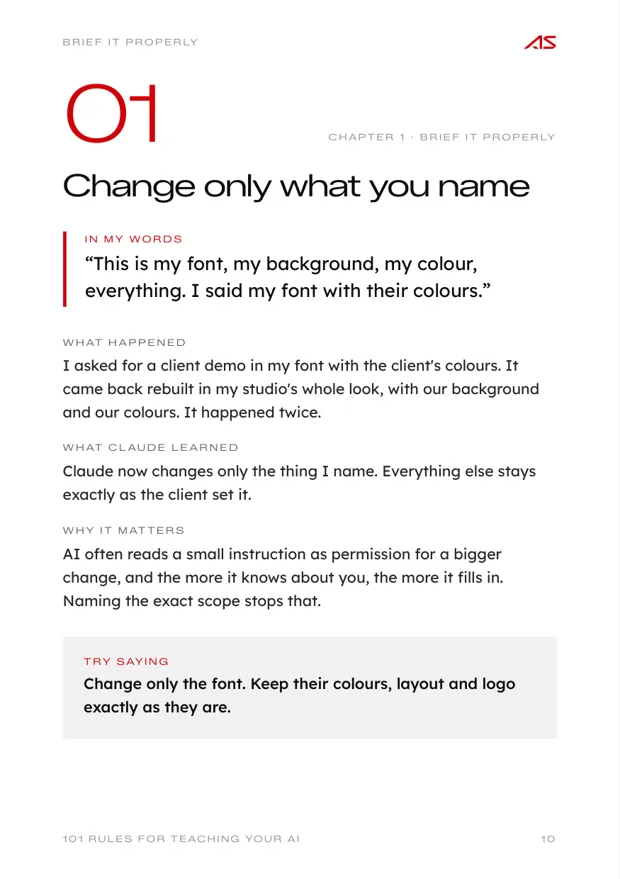
- 01Change only what you name
- 02Say who the reader is
- 03Point it at your real source files
- 04Give it your real numbers
- 05Use the words your client uses
- 06Ask for the same format you gave
- 07Ask for one strong piece at a time
- 08Show it references to look at
- 09Talk to it the way you talk
- 10Show it, with screenshots
- 11Hand over everything, even the messy folder
- 12Say why something is wrong
- 13Ask what it would do
- 14Give feedback in proportion
-
- 15Turn a correction into a standing rule
- 16Write your brand rules down once
- 17Give it your logo file
- 18Put your mark on everything you send
- 19Tell it which business you are acting for
- 20Give it your standard terms
- 21Point it to your current price list
- 22When a format works, make it the template
- 23Tell it which tools have failed you
- 24Check the original source
-
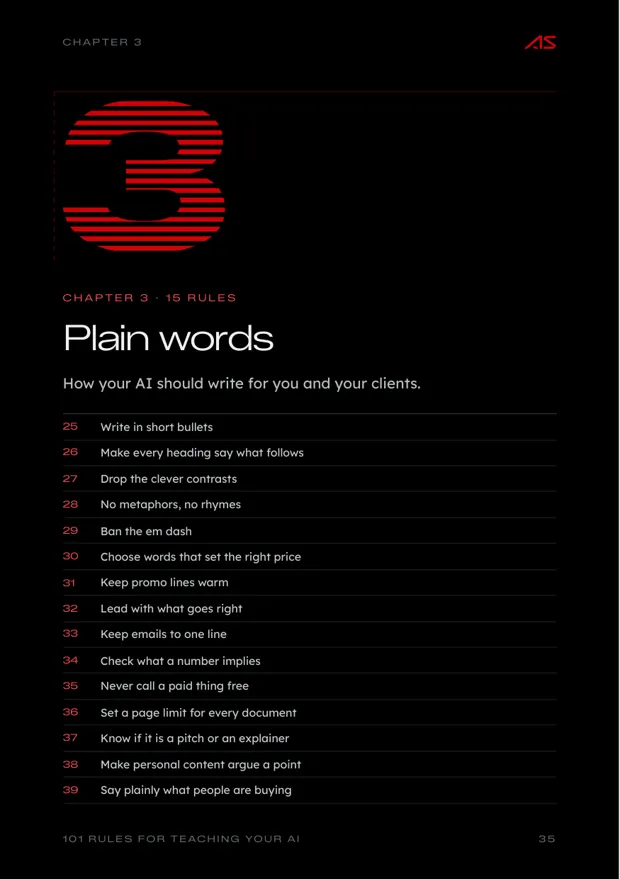
- 25Write in short bullets
- 26Make every heading say what follows
- 27Drop the clever contrasts
- 28No metaphors, no rhymes
- 29Ban the em dash
- 30Choose words that set the right price
- 31Keep promo lines warm
- 32Lead with what goes right
- 33Keep emails to one line
- 34Check what a number implies
- 35Never call a paid thing free
- 36Set a page limit for every document
- 37Know if it is a pitch or an explainer
- 38Make personal content argue a point
- 39Say plainly what people are buying
-
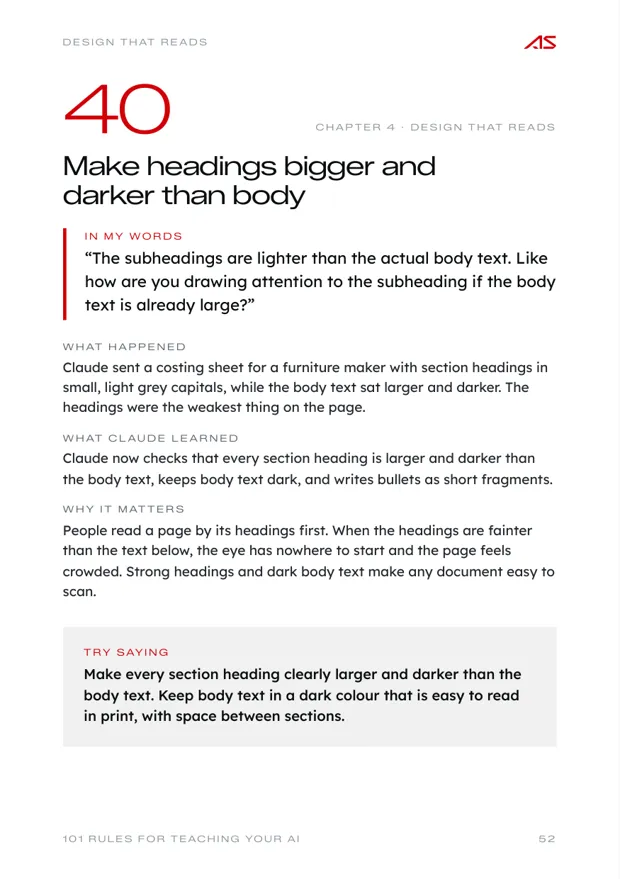
- 40Make headings bigger and darker than body
- 41Keep decks to five to seven slides
- 42Never trap the reader's scroll
- 43Keep everything one click away
- 44Design for the oldest person in the room
- 45Use colour that is easy on the eyes
- 46Use a real brand colour for big areas
- 47Start from the client's own look
- 48Make your own site something to play with
- 49Make brand documents read like a magazine
- 50Build a demo as the real interface
- 51Explain the demo to someone new to AI
- 52Show how things start and end
- 53Let people try the demo themselves
- 54Never let motion interrupt the reader
-
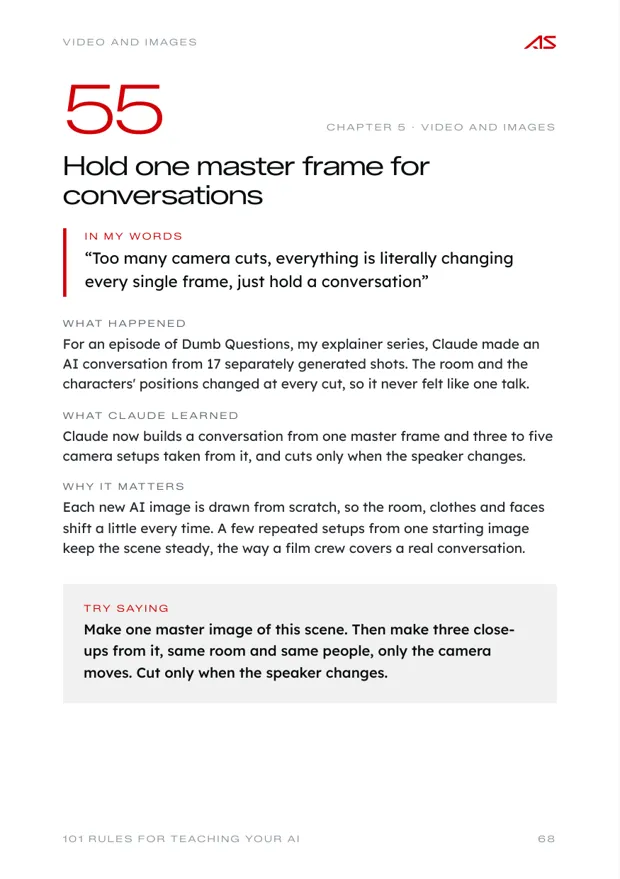
- 55Hold one master frame for conversations
- 56Use simple animation when AI video drifts
- 57Keep one world and one camera
- 58Leave a breath at every cut
- 59Keep screen footage as short cutaways
- 60Tell it which voice is yours
- 61Keep your personal content about you
- 62No glitch effects under a voice
- 63Blur only the names
- 64Add graphics to your team's edit only
- 65Use your real photos for your face
- 66Draw real logos as they are
- 67Leave viewers more confident
- 68Hold your quality bar on exports
- 69Render bigger than you deliver
-
- 70Check the details that fail silently
- 71Look at it before you call it ready
- 72Send files with everything inside
- 73Ask for honest time ranges
- 74Keep unsure numbers out of client documents
- 75See it on a draft link first
- 76Compare the AI version with the original
- 77Make it prove the work on your phone
-
- 78Use AI only where something is broken
- 79Keep it to three or four Agents
- 80Do what was asked, or ask
- 81Keep replies short and human
- 82Decide who sees the money
- 83Let the model understand, let code guard
- 84Keep people where they already are
- 85Name each Agent by its job
- 86List each Agent's jobs in plain words
- 87Run Agents on accounts the client owns
-
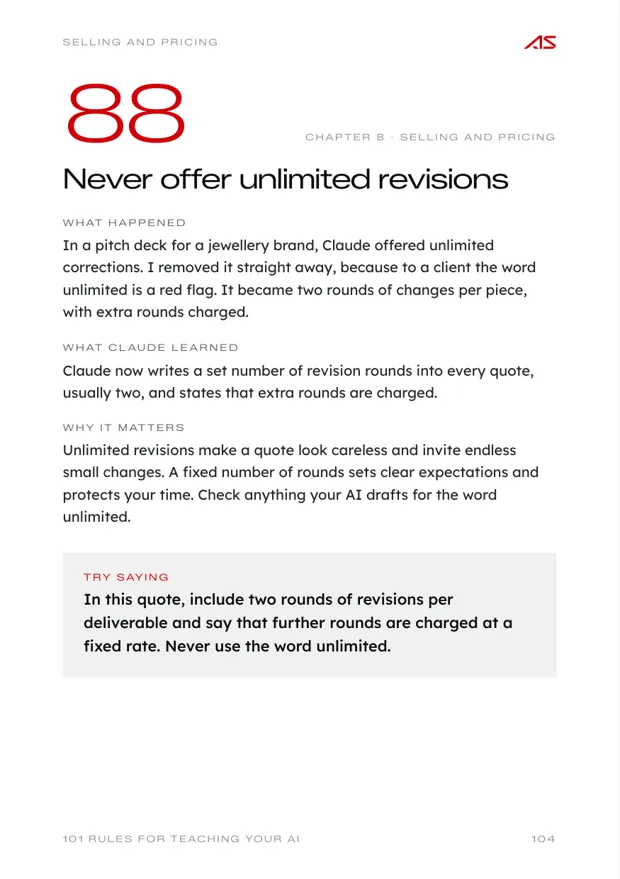
- 88Never offer unlimited revisions
- 89Show the price per unit
- 90Quote recurring prices per month
- 91Show the free extras on their own line
- 92Price a build on what it is worth
- 93Match the number the client already has in mind
- 94Keep past deals off your rate card
- 95Keep bundles above the monthly plan
- 96Write refund rules before you need them
- 97Write every option as if you sold it
- 98State the introduction as done
- 99Take demos down until they sign
- 100Keep client names off public slides
- 101Give your AI your selling vocabulary
One page per rule
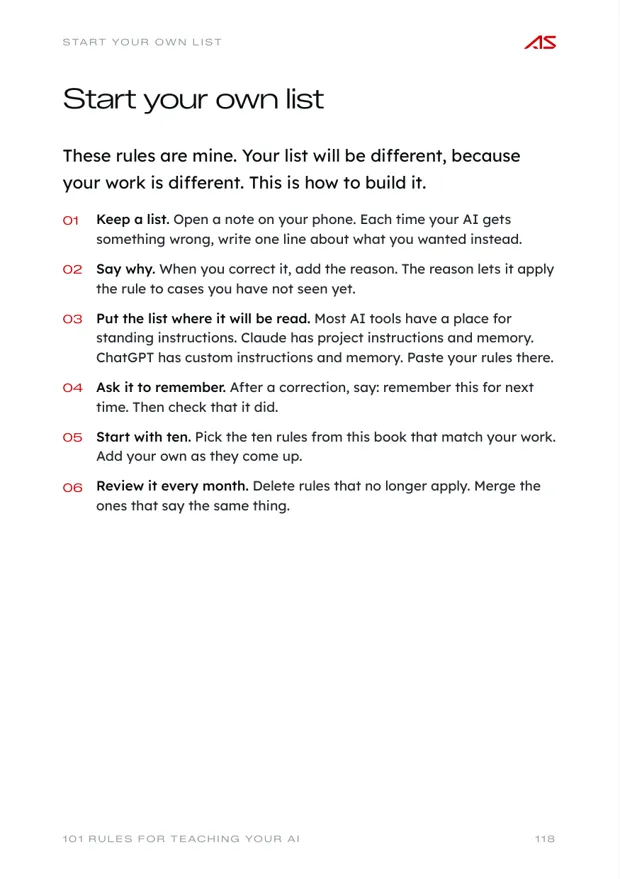
Every rule is laid out the same way.
Pick a rule to see its page. Copy the last line and paste it into your own AI.
Inside the book
A look at the pages.
Drag or scroll sideways


About Ahaan
I build AI systems around the way a business already works.
Every founder has AI. Almost none of it talks.
I'm Ahaan Singhania. I run Cove Craft Studios, a 3D and AI media studio in Mumbai. Under my own name, I build AI systems and Agents for founders and growing companies.
Most AI products are made for everyone. A company buys one and then changes how its team works to fit the tool. Some of it helps. The rest turns into new steps, new logins and new places for mistakes to hide.
I start from the stack and the habits a team already has: the WhatsApp groups, the spreadsheets, the Drive folders, the accounts software and the people who sign things off. The Agents and automations go into that workflow, so nobody has to learn a new app to use them.
My own studio runs this way. Attendance, leave, tasks, files and a company assistant on WhatsApp all run on a computer in our office.

How I build
- 01
Fits your stack
Built into the tools your team already uses: WhatsApp, Google Drive, Sheets, Tally and email.
- 02
Fits your process
People stay where they are. The Agents handle the reminders, records and follow-ups around them.
- 03
Only where it pays
Each Agent fixes one real bottleneck. Work that already runs well is left alone.
- 04
Yours to keep
It runs on accounts and hardware you own, and you keep everything after handover.
Why it matters
Two ways to bring AI into a company.
- Who changes
- Your team changes how it works to fit the tool.
- The system follows how your team already works.
- Where it lives
- A new app, a new login and a new place to check.
- Inside your WhatsApp, Drive, Sheets and email.
- How well it fits
- It covers the common cases. Your exceptions are handled by hand.
- It is built around your actual steps and exceptions.
- Errors
- Mistakes slip through the gaps between the tool and your process.
- Checks sit at the points where your process needs them.
- Ownership
- A monthly subscription. Your data sits in their product.
- It runs on accounts and hardware you own.
Free to download